Background CPU usage
0%down from 2–10%
We've reduced background CPU spikes significantly. Nothing that you don't need will run in the background.


Over 2,000,000 AtlasOS downloads
AtlasOS is a free, open-source Windows 11 modification. It cuts background activity, telemetry and ads, and keeps your apps and games working.
The latest version is Atlas 0.6.1
For a clean install, choose Create an Atlas ISO in Atlas Manager. Read the installation guide
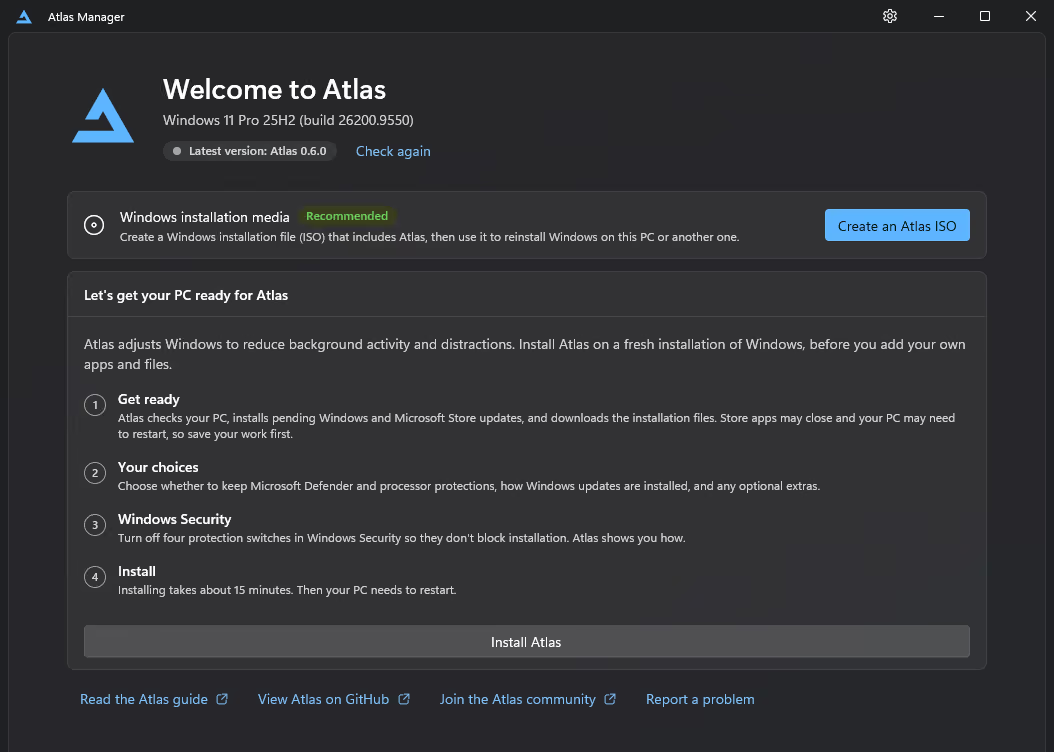
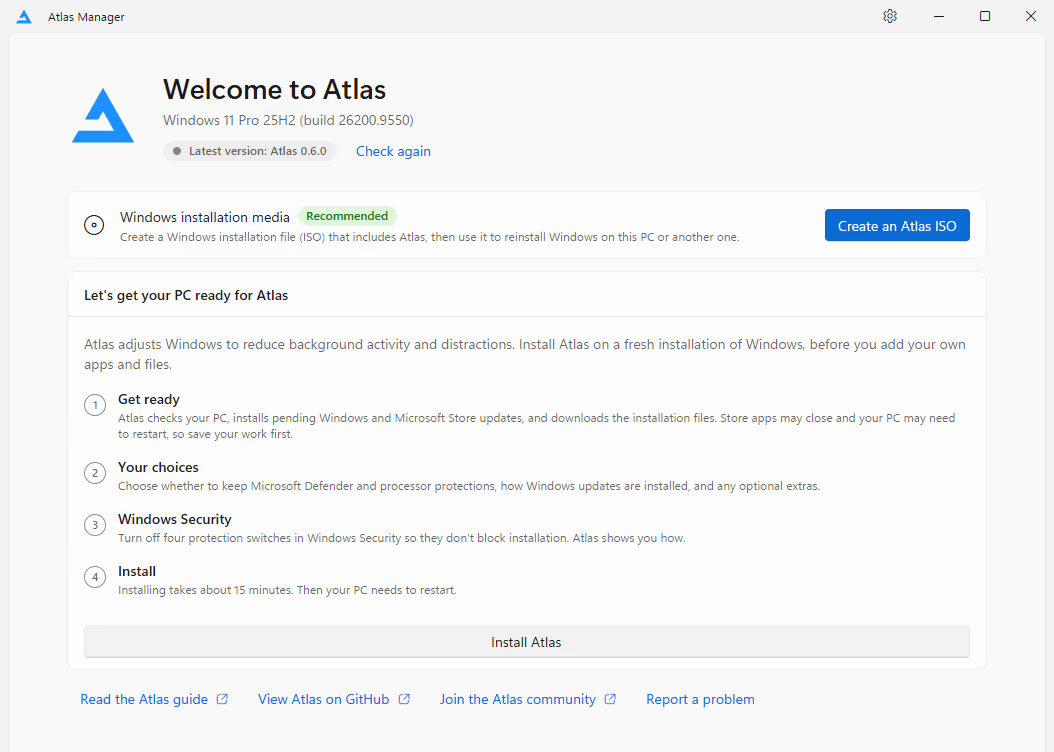
New: Atlas Manager, a guided install from start to finish.




Over time, Microsoft has made Windows sluggish, clunky and invasive. Atlas brings life back to Windows, designed to maximize privacy, usability, and performance. We make Windows more responsive and less annoying, with many users also claiming improved framerates, while being configurable and compatible.
By removing unnecessary background processes, telemetry, optionally disabling power-saving features and more.
By removing Windows' advertising, and fixing general annoyances, you will have a more enjoyable Windows experience.
By eliminating most of Microsoft's notorious tracking, pre-installed apps, and bloatware, Atlas makes Windows private.
What Atlas changes in Windows, and what it leaves alone.
Atlas turns off Windows telemetry and advertising, and sets policies that limit what Windows collects about you.
Atlas turns off background tasks and services you don’t need, so more of your PC goes to what you’re doing. Stability and compatibility come first.
Keep Microsoft Defender, processor protections and automatic updates, or turn them off. You choose during setup and can change your mind later.
Atlas removes preinstalled apps such as OneDrive and turns off Windows advertising. The parts of Windows your software relies on stay in place.
Windows keeps getting its monthly security updates. When an Atlas update needs a newer Windows release, Atlas Manager moves you to it.
Keep power saving on a laptop, or turn it off on a desktop. In internal testing on a Zephyrus laptop, Atlas gave up to 3 hours more battery life.
Every script and setting Atlas uses is public on GitHub under GPL-3.0, so you can read exactly what it changes before you install.
Atlas never redistributes Windows. It changes the copy you install from Microsoft. To go back, reinstall Windows from Microsoft’s installation media.
With reduced resource utilization, improved privacy, usability, and performance, why wouldn't you consider making the switch?
0%down from 2–10%
We've reduced background CPU spikes significantly. Nothing that you don't need will run in the background.
~1.4 GBdown from 2.9 GB
Thanks to Atlas we’ve seen ~1.5 GB of RAM usage freed on boot, which can then be allocated to other tasks.
365.91up from 217.5 FPS
Higher average framerates observed in competitive titles like Valorant on Windows 11.
Ryzen 7 5800X3D, 16GB 3600MHz, RTX 2070 Super
Milliseconds decide matches. Top competitors rely on AtlasOS for the ultra-stable, low-latency environment needed to perform at their peak. Gain the edge that comes from eliminating system hitches and ensuring instant response, crucial in both practice and pro play.
Maintain focus with consistent, hitch-free gameplay.
React faster with reduced input lag for critical moments.
Maximize hardware potential for a tangible competitive edge.
Are you a pro who uses Atlas or wants to get started? Get in touch.
Our community is fantastic and reviews us with a significant amount of positive feedback. We take great pride in our high rating, which reflects our commitment for improving Atlas.
Honest review
Atlas OS made my PC so much better. I used to run stock Windows 11 and it was very slow. Once I upgraded to Atlas, my PC is running so much better. Oh and, it has 50 processes in the background and only takes 15 GB of storage! Very good OS for any PC
I recommend it
“If you can run Windows with this kind of performance… Jeepers Creepers.”
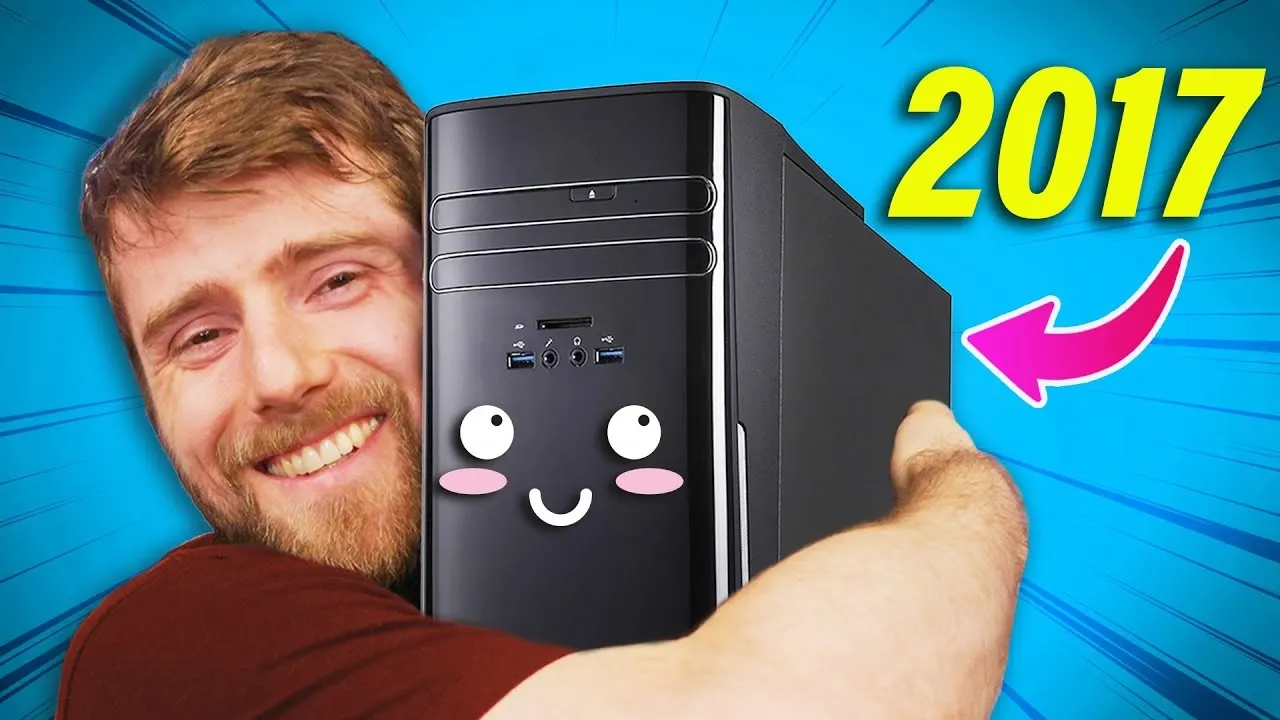
You don't need a new PC - AtlasOS E-Waste PC refresh
We are an open-source, community-driven project, licensed under GPL-3.0. We would greatly appreciate it if you check it out and, if interested, consider contributing to our vision.
--stargazers on GitHub
Windows 11 Pro, Education or Enterprise. Home, LTSC and Server aren’t supported, and Atlas doesn’t include a Windows licence. Check your PC first.
Yes. Atlas focuses on compatibility and doesn’t strip out Windows components like other modifications, so your software, games, Windows Update and Microsoft Store keep working. Anything Atlas turns off can be switched back on from the Atlas folder.
No, unless you want it to. You choose whether to keep Microsoft Defender, processor protections and automatic updates during setup, and you can change them later in the security settings.
For a first install, choose Create an Atlas ISO in Atlas Manager. Use the media to reinstall Windows 11. After sign-in, Manager guides you through updates and Atlas setup. Read the installation guide.
Yes, by reinstalling Windows from Microsoft’s installation media. Reset this PC won’t undo Atlas, so follow the guide to reverting Atlas.
Join our thriving community of over 50,000 members and millions of AtlasOS users.
Connect, share, and stay updated.
 Did you know? We also build eclean, everyday Windows maintenance